The customer display
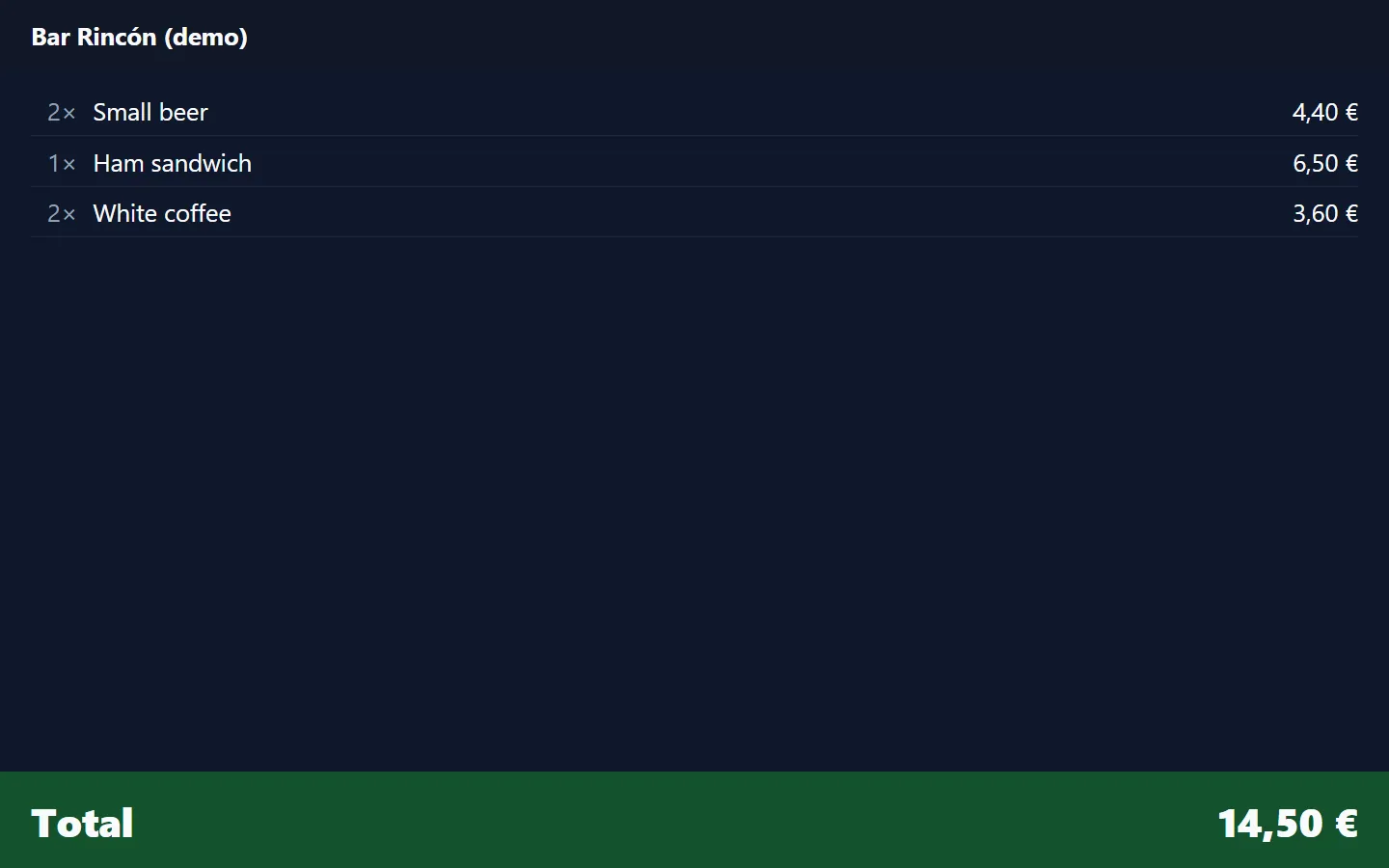
The 🖥 button at the top of the POS (on wide screens) opens the customer display in a separate window (/gerp/tpv/cliente): the company logo and name, each line as it is added and the total in large type. That window is moved to the second monitor, facing the customer, and set to full screen. It is fed by the POS on the same computer, without asking the server for anything: that is why it is opened from that POS and not from another device. Tablets and handhelds have no customer display.
How it is done
- Connect the second monitor to the till PC and, in Windows, set it to «Extend these displays».
- In the POS, press 🖥 (Customer display).
- Drag the new window to the second monitor and set it to full screen.
- Add an item: it shows at once on the customer display, with the total.
Rating
0
0
There are no comments for now.
Join this Course
to be the first to leave a comment.