GERP ODOO Course
Completed
Analytics
Cost centers and programs or projects, the analytic balance, analytics by program and the allocation of overheads, with its manual.
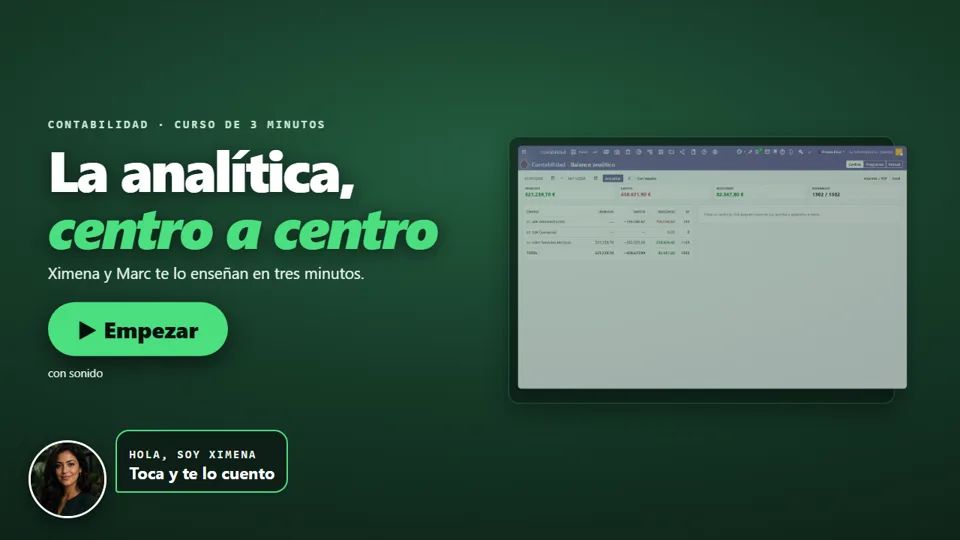
Video course with Ximena and Marc
They show you with voice-over and subtitles (in Spanish), in about 3 minutes.
▶ Watch the video course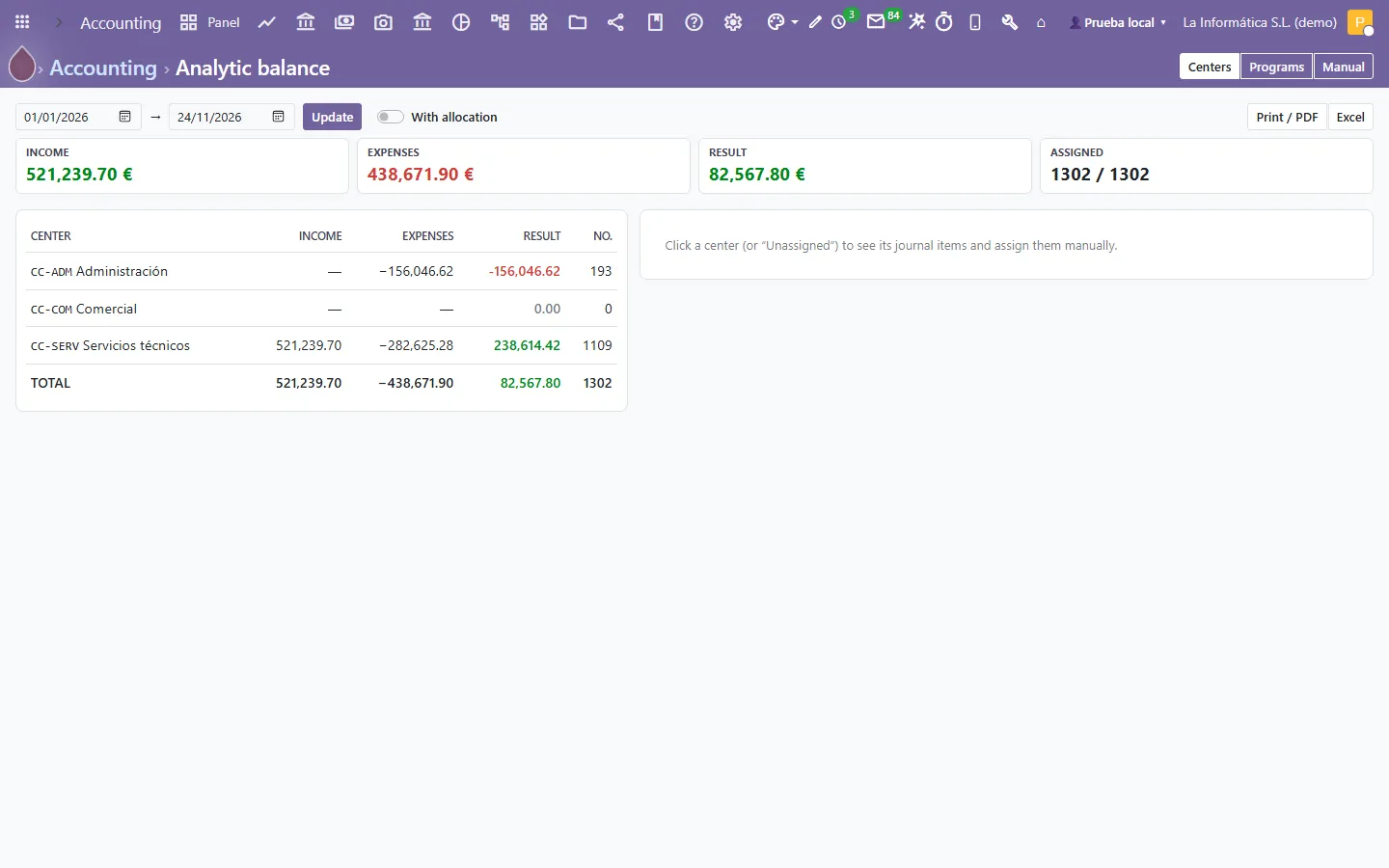
1. Analytic balance
Income, expenses and result of each centre or programme over a period; “With allocation” adds the allocation of overheads.

▶ In motion: analytic balance, point by point.
- 1Choose the period and press Refresh.
- 2Press a figure to see the entries; Excel.
2. Allocation of indirect costs
Accounting › Overhead allocation: each rule sets the centre being allocated (General, Management…), the centre receiving it and the basis, by percentage or by sales. In the Analytic balance, “With allocation” shows it and “Allocation entry” › “Post” records it as analytic lines.
3. The cost centers
Accounting › Cost centres › New: the name and, in “Account prefixes”, the accounts that go to that centre (for example 62,64) when the line has no analytic distribution. Each invoice can also be split in its analytic distribution.
4. The analytic programs or projects
Accounting › Programmes › New.
5. Analytics per program
Accounting › Analytic by programme.
6. The analytic distribution of an invoice
On the invoice line, analytic column.
7. The analytics manual
Accounting › Analytics manual.
8. The allocation of overheads by sales
In Overhead allocation, a rule with the “By sales” basis: the centre being allocated is split among the receiving centres according to their income for the period. Then, in the Analytic balance, “Allocation entry” and “Post”.
9. The analytic balance in Excel
Excel button of the balance.
10. Posting the allocation
In the Analytic balance, “Allocation entry” shows what moves from each centre to each other one and “Post” records it as analytic lines; a period already posted is not posted again.
Frequently asked questions
How do I see profit per cost centre?
Accounting › Analytic balance or Analytic by programme; «Overhead allocation» spreads general costs.
How do I create a cost centre?
Accounting › Cost centres › New: the name and, in “Account prefixes”, the accounts that go to that centre (for example 62,64) when the line has no analytic distribution. Each invoice can also be split in its analytic distribution.
How do I create an analytic programme?
Accounting › Programmes › New.
How do I see profit per project?
Accounting › Analytic by programme.
How do I split an invoice across centres?
On the invoice line, analytic column.
How do I learn to use analytics?
Accounting › Analytics manual.
How do I allocate overheads by sales?
In Overhead allocation, a rule with the “By sales” basis: the centre being allocated is split among the receiving centres according to their income for the period. Then, in the Analytic balance, “Allocation entry” and “Post”.
How do I export the analytic balance?
Excel button of the balance.
How do I compare with last year?
The Analytic balance shows one period: set the dates you want (for example, the same quarter last year), press Refresh and, to have them side by side, export each one to Excel.
Why can't I see Analítica?
If you can't see it, your internal user lacks the «contabilidad» permission: the administrator grants it in Home › Internal users.
Cost centers and programs or projects, the analytic balance, analytics by program and the allocation of overheads, with its manual.
There are no comments for now.