GERP ODOO Course
Completed
Tasks and hours
Task board by urgency and importance, «Send to the board» from any document, hours timer, hours diary and projects.
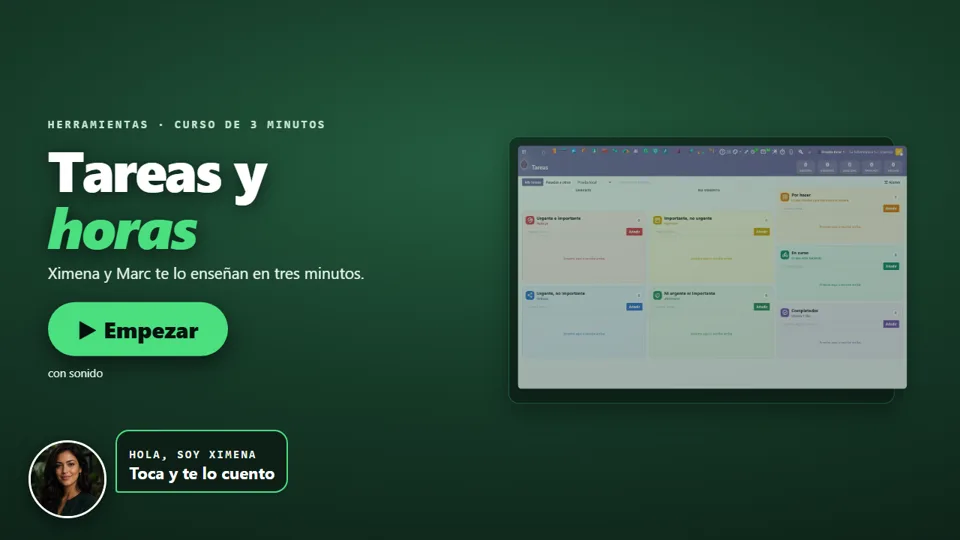
Video course with Ximena and Marc
They show you with voice-over and subtitles (in Spanish), in about 3 minutes.
▶ Watch the video course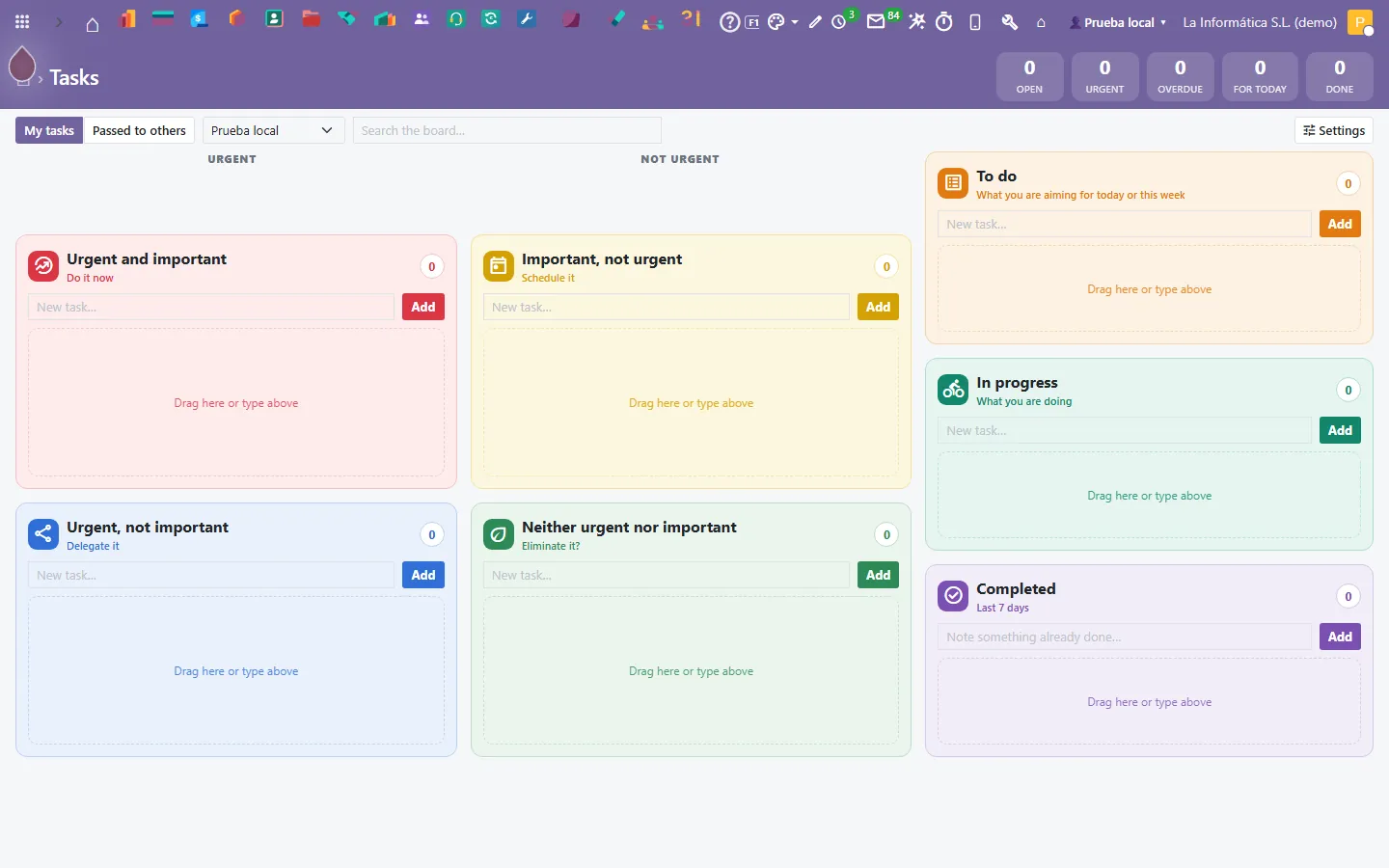
1. Dashboard
Drag the cards between columns; the circle completes them.

▶ In motion: dashboard, point by point.
- 1The figures.
- 2Do it now.
- 3Plan it.
- 4This week.
- 5Delegate it.
- 6Surplus.
- 7What you do and what is done.
2. Hours
The timer in the top bar: project or customer and channel, «Start» and when you stop it saves the time.
3. Send to the dashboard
Orange button.
4. Complete a task
Click the circle.
5. Pass a task to someone else
«…» menu › assignee.
6. The dashboard settings
«Settings».
7. The hours projects
Tasks and hours › Projects.
8. The hours channel
Channel in the timer.
9. The overdue tasks
«Overdue» figure.
10. Move tasks with your finger
Long-press and drag.
Frequently asked questions
How do I add a task?
Tasks and hours › Tasks: «New task…» and Add; from a document, the orange «Send to board» button.
How do I track hours?
Press the timer at the top, choose project or customer and «Start»; stopping saves it.
How do I send a document to the board?
Orange button.
How do I mark a task done?
Click the circle.
How do I delegate a task?
«…» menu › assignee.
How do I rename the columns?
«Settings».
How do I create a project for hours?
Tasks and hours › Projects.
How do I record if it was a call?
Channel in the timer.
How do I see what's overdue?
«Overdue» figure.
How do I move a task on mobile?
Long-press and drag.
Task board by urgency and importance, «Send to the board» from any document, hours timer, hours diary and projects.
There are no comments for now.