GERP ODOO Course
Completed
Fees (recurring invoicing)
Recurring fees per customer (domains, hosting, antivirus, maintenance, software…) invoiced in the ticked months with “Invoice fees”, with their SEPA mandate, access details with expiry and a PDF and Excel report.
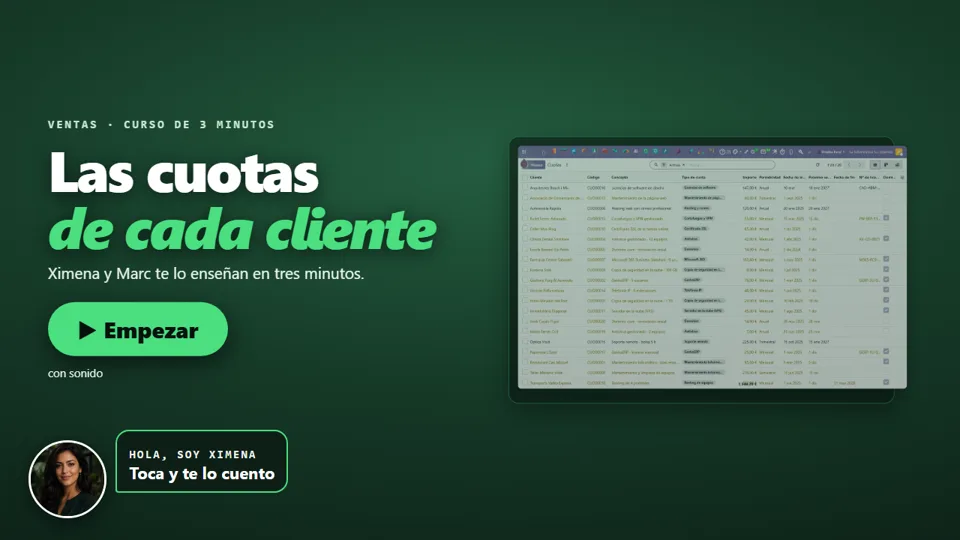
Video course with Ximena and Marc
They show you with voice-over and subtitles (in Spanish), in about 3 minutes.
▶ Watch the video course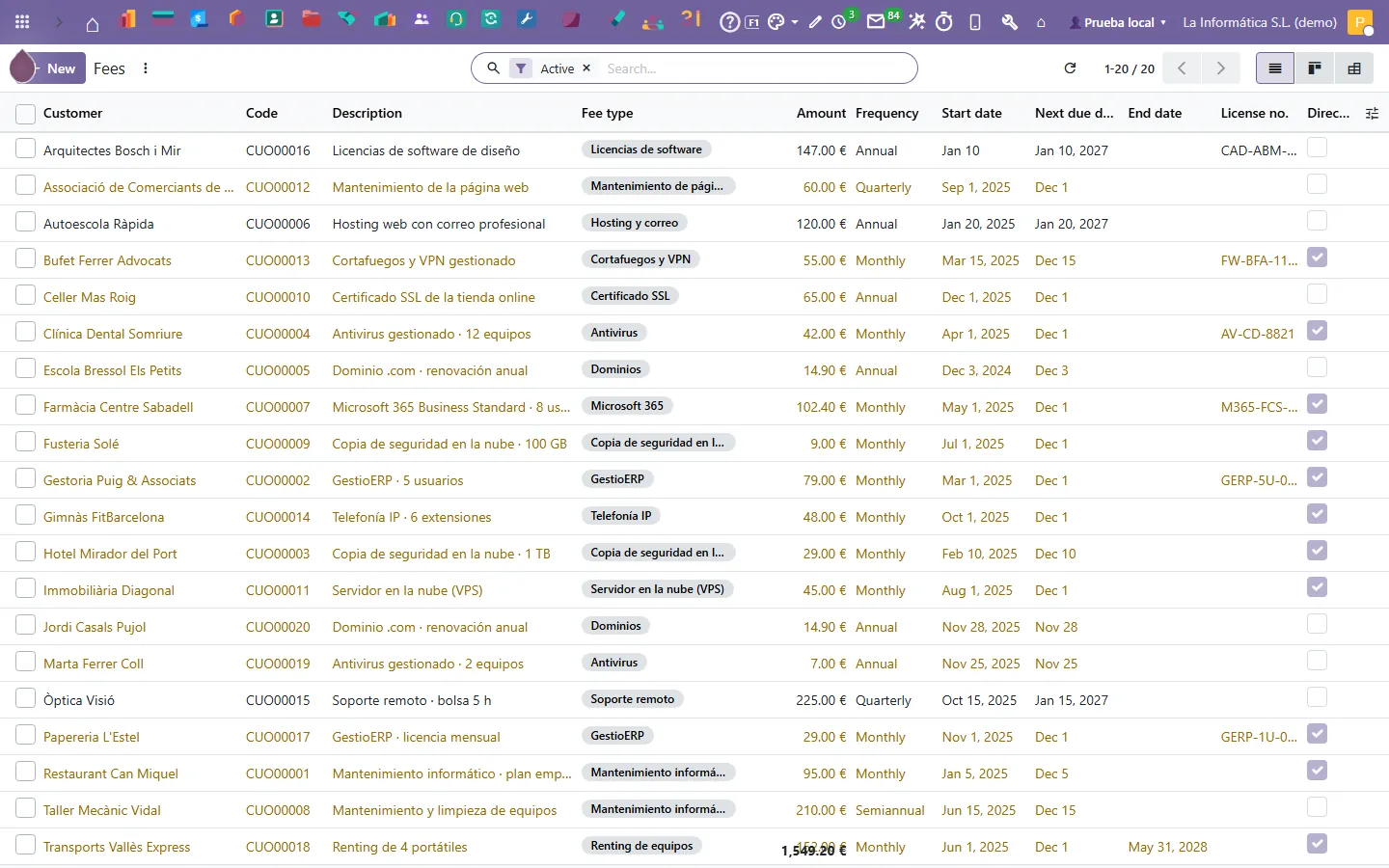
1. Fees
Each fee belongs to a customer, with its type, amount, frequency and the months in which it is collected.

▶ In motion: fees, point by point.
- 1Filters: active, to invoice, accesses that expire, direct debit or not.
- 2Each fee with its next due date.
- 3Invoice those of the period and report.
2. The fees
Sales › Fees › New: customer, fee type, product (optional), quantity and price, frequency and the months it is charged; if it is direct debit, its SEPA mandate.
3. Invoice fees
Sales › Invoice fees: choose the period and “Invoice…”: one invoice (or order) per customer with all their fees and the line for the period. They are not created on their own: to invoice them every day without pressing anything, the administrator activates the scheduled action “Fees: invoice what is due”.
4. The fee types
Sales › Fee types: domain, hosting, antivirus, maintenance… just with a name and a colour, to group and filter; the product and price go in each fee.
5. Invoicing per customer
Sales › Billing by customer: each customer with their fees and what has been invoiced.
6. The access details of a fee
Access data tab.
7. The direct-debit fees
Tick «Direct debit».
8. The next due date
«Recalculate due date».
9. The fee report
«Excel report».
10. The archived fees
Archive it.
11. Invoice a fee now
«Bill now».
Frequently asked questions
How do I add a subscription?
Sales › Fees › New: customer, fee type, product (optional), quantity and price, frequency and the months it is charged; if it is direct debit, its SEPA mandate.
How do I bill this month's subscriptions?
Sales › Invoice fees: choose the period and “Invoice…”: one invoice (or order) per customer with all their fees and the line for the period. They are not created on their own: to invoice them every day without pressing anything, the administrator activates the scheduled action “Fees: invoice what is due”.
How do I create a subscription type?
Sales › Fee types: domain, hosting, antivirus, maintenance… just with a name and a colour, to group and filter; the product and price go in each fee.
How do I see a customer's subscriptions?
Billing by customer.
How do I store login and expiry?
Access data tab.
How do I set up direct debit?
Tick «Direct debit».
How do I recalculate the due date?
«Recalculate due date».
How do I export subscriptions to Excel?
«Excel report».
How do I cancel a subscription?
Archive it.
How do I bill a single subscription?
«Bill now».
Why can't I see Cuotas (facturación periódica)?
If you can't see it, your internal user lacks the «ventas» permission: the administrator grants it in Home › Internal users.
Recurring fees per customer (domains, hosting, antivirus, maintenance, software…) invoiced in the ticked months with “Invoice fees”, with their SEPA mandate, access details with expiry and a PDF and Excel report.
There are no comments for now.