GERP ODOO Course
Completed
Log in and say who you are
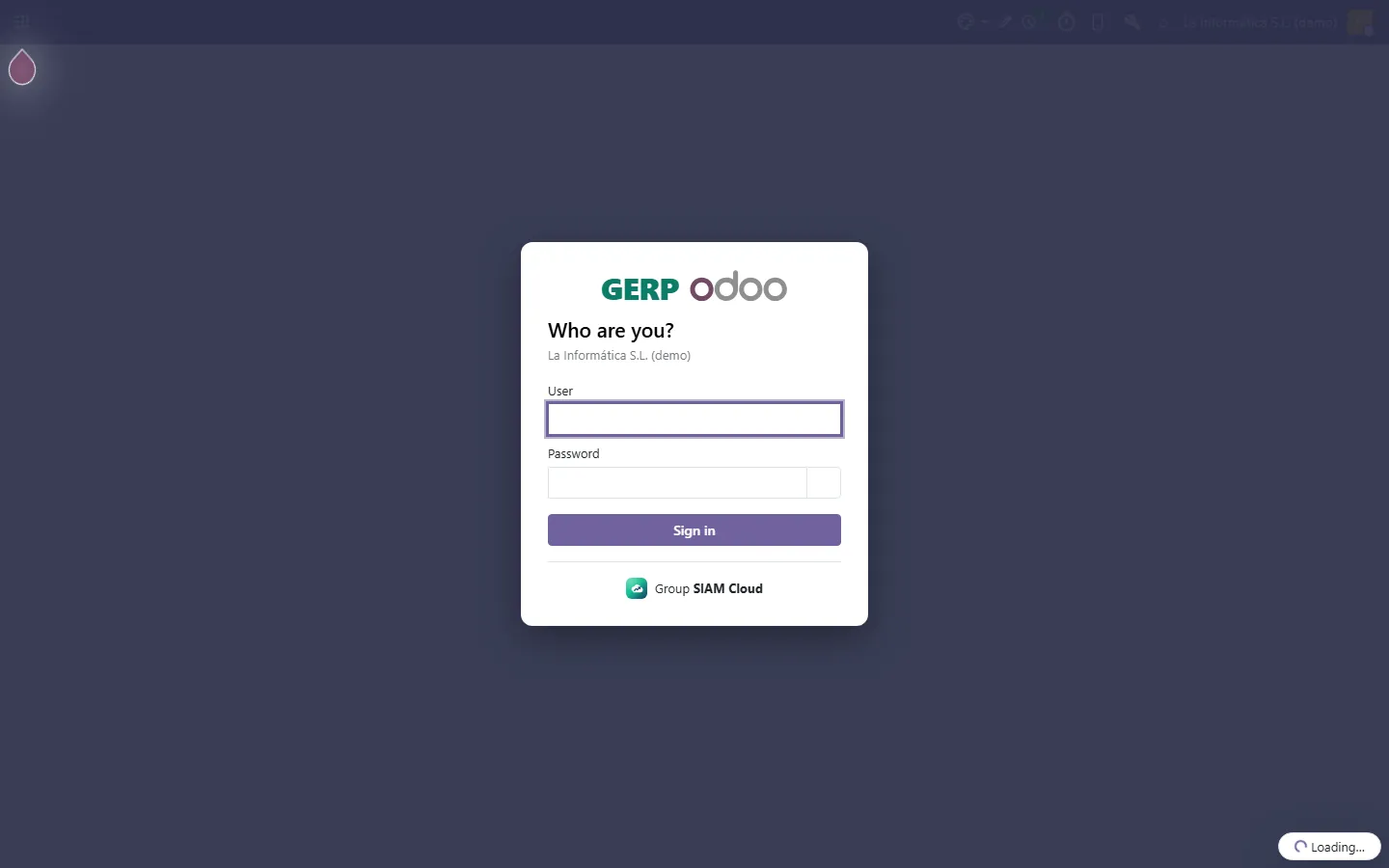
You all enter the same GERP ODOO and, once inside, each person says who they are with their internal user and password.

▶ In motion: saying who you are when you log in.
- 1Type your internal user: the one the administrator gave you.
- 2Your password. It is yours alone, even though you all enter the same GERP ODOO.
- 3When you sign in you see your name at the top and only the dashboards, buttons and menus you have ticked.
How it is done
- Open the address of your GERP ODOO in the browser.
- Type your username and your internal user password and press Log in.
- At the top you will see your name. From then on you only get the dashboards, buttons and menus the administrator has ticked for you.
- When you finish, sign out with your name at the top so the next person can sign in with theirs.
If a dashboard or a button is missing, it is not a bug: it is a permission. Ask the administrator, who sets it in Home › Internal users (you will see it in the «Internal users and permissions» block).
The internal user and their password.
Rating
0
0
There are no comments for now.
Join this Course
to be the first to leave a comment.