GERP ODOO Course
Completed
Send by WhatsApp
Sends quotes, orders, invoices and delivery notes by regular WhatsApp with the portal link to view, accept and pay them online, and the debt reminder.
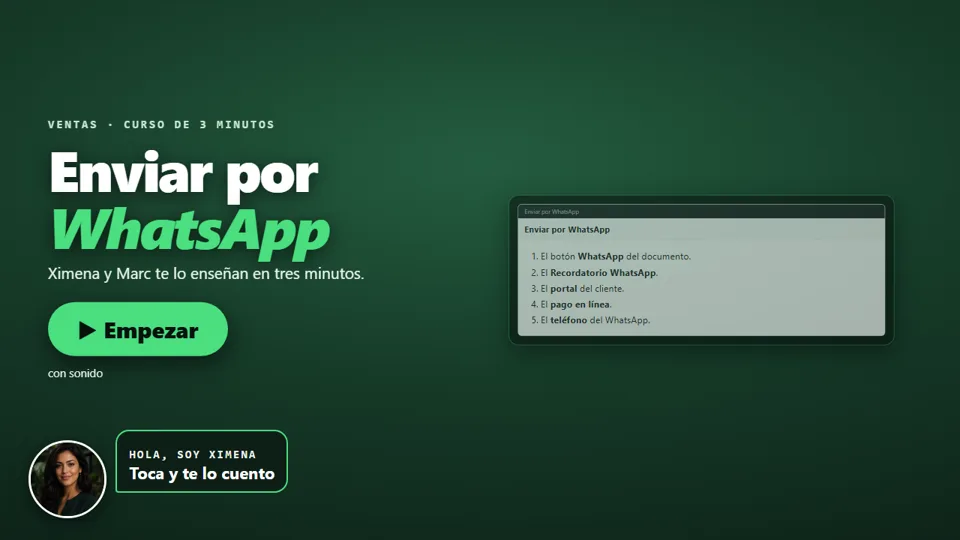
Video course with Ximena and Marc
They show you with voice-over and subtitles (in Spanish), in about 3 minutes.
▶ Watch the video course1. Send
«WhatsApp» button on the document.

▶ In motion: send, point by point.
- 1The contact's mobile (can be changed).
- 2The text already written with the portal link (and the pay link if they owe).
- 3Opens WhatsApp with everything filled in; a note is left on the document.
2. The WhatsApp reminder
«WhatsApp reminder».
3. The customer portal
The link opens the portal.
4. Online payment
In the portal, «Pay now».
5. The WhatsApp phone number
It can be changed.
6. The WhatsApp message
It can be edited.
7. Send a delivery note by WhatsApp
«WhatsApp» button on the delivery.
8. The note of WhatsApp sent
A note is left.
9. WhatsApp without a phone
A warning appears.
Frequently asked questions
How do I send an invoice by WhatsApp?
On the document press «WhatsApp»: check phone and message and «Open WhatsApp».
How do I remind a debt by WhatsApp?
«WhatsApp reminder».
How do I the customer downloads the invoice?
The link opens the portal.
How do I the customer pays by card?
In the portal, «Pay now».
How do I change the phone when sending?
It can be changed.
How do I change the message text?
It can be edited.
How do I send a delivery note?
«WhatsApp» button on the delivery.
How do I know if I already sent it?
A note is left.
How do I send without a mobile?
A warning appears.
Why can't I see Enviar por WhatsApp?
If you can't see it, your internal user lacks the «ventas» permission: the administrator grants it in Home › Internal users.
Sends quotes, orders, invoices and delivery notes by regular WhatsApp with the portal link to view, accept and pay them online, and the debt reminder.
There are no comments for now.