GERP ODOO Course
Completed
Import from another program
Brings in the data from FactuSOL, ContaSOL, ClassicGes, ClassicConta, Eurowin / Sage 50 and others: customers, suppliers, products, invoices and accounting.
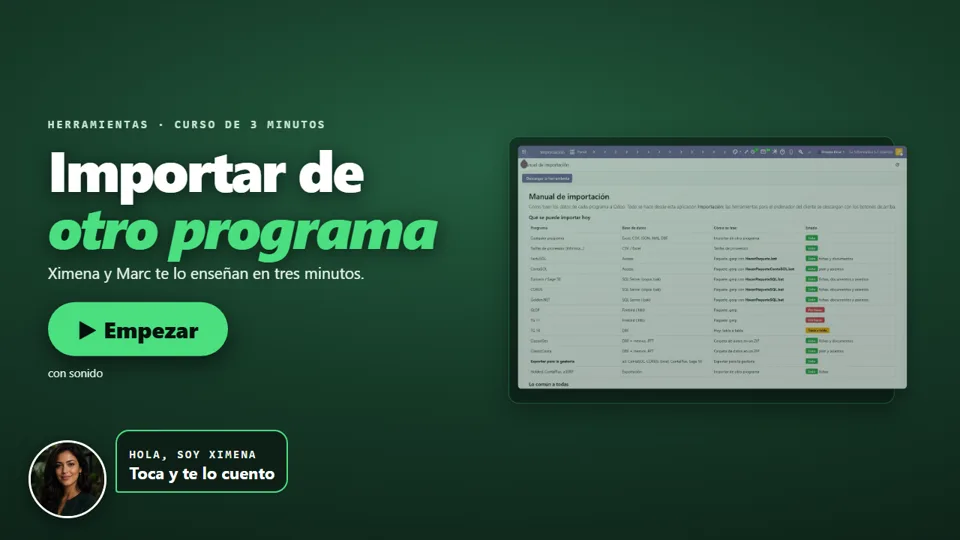
Video course with Ximena and Marc
They show you with voice-over and subtitles (in Spanish), in about 3 minutes.
▶ Watch the video course
▶ In motion: coming from another program, step by step.
- Choose: choose the source program.
- Upload: its files or its copy are uploaded.
- Review: you see what is going to come in before importing it.
- Import: customers, suppliers, products and documents come in.
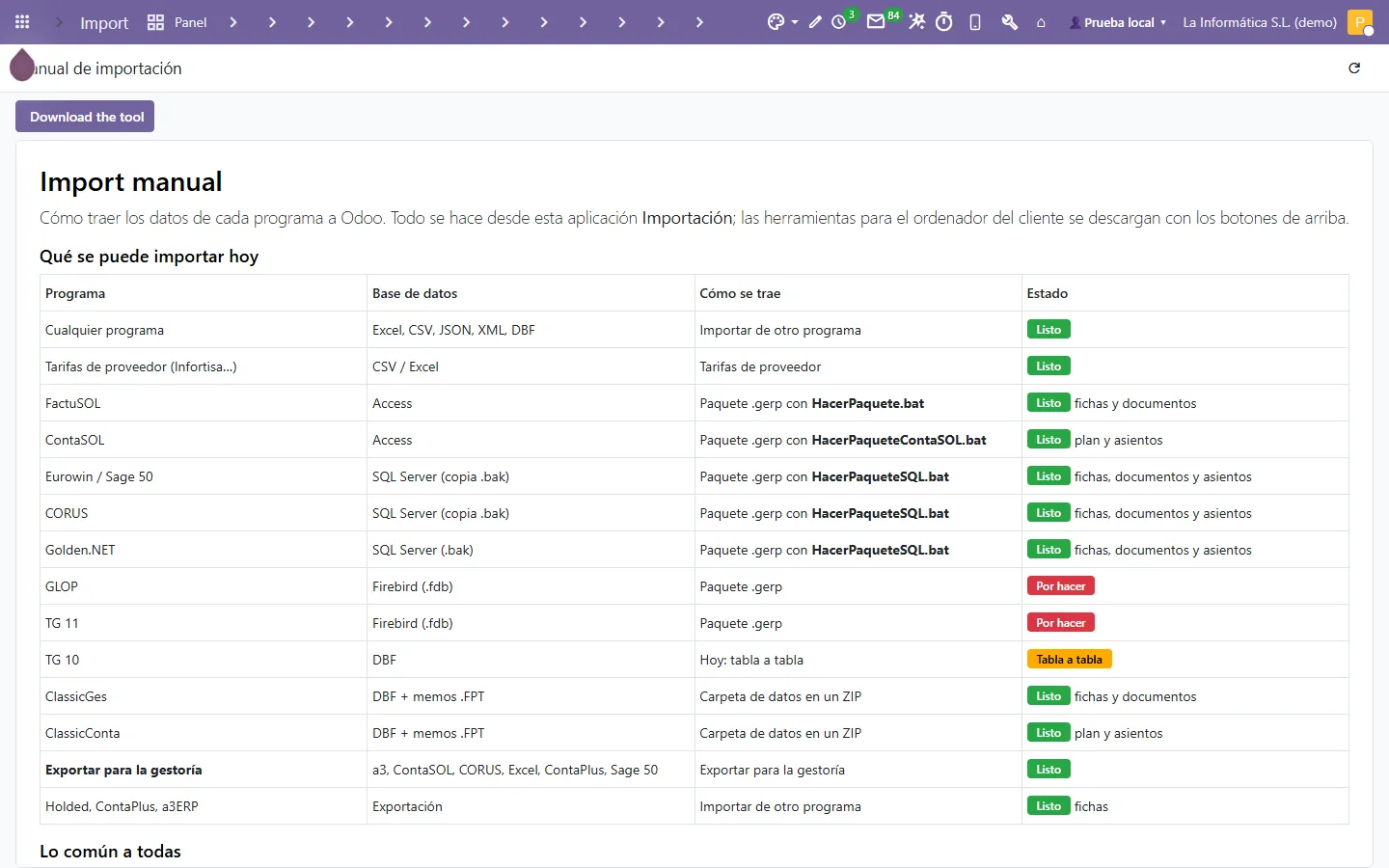
1. Import
Import menu: choose the source program and follow the steps; the dashboard shows how it is going.
2. Import from FactuSOL
Import › FactuSOL.
3. Import from Eurowin
Import › Eurowin.
4. Import from ClassicGes
Import › ClassicGes.
5. Import from another program
Import from another program.
6. The supplier price list
Supplier tariff.
7. Export to the accountant
Import › Export.
8. The import dashboard
Import › Panel.
9. The import manual
Import › Manual.
Frequently asked questions
How do I import from FactuSOL?
Import menu: choose the program, upload the backup and follow the steps.
How do I migrate from FactuSOL?
Import › FactuSOL.
How do I migrate from Eurowin?
Import › Eurowin.
How do I migrate from ClassicGes?
Import › ClassicGes.
How do I import from Excel?
Import from another program.
How do I import a supplier tariff?
Supplier tariff.
How do I send data to the accountant?
Import › Export.
How do I see import progress?
Import › Panel.
How do I learn to import?
Import › Manual.
Why can't I see la importación?
If you can't see it, your internal user lacks the «_admin» permission: the administrator grants it in Home › Internal users.
Brings in the data from FactuSOL, ContaSOL, ClassicGes, ClassicConta, Eurowin / Sage 50 and others: customers, suppliers, products, invoices and accounting.
There are no comments for now.