GERP ODOO Course
Completed
Documents (files)
The document manager with the thumbnail of the first page of each PDF.
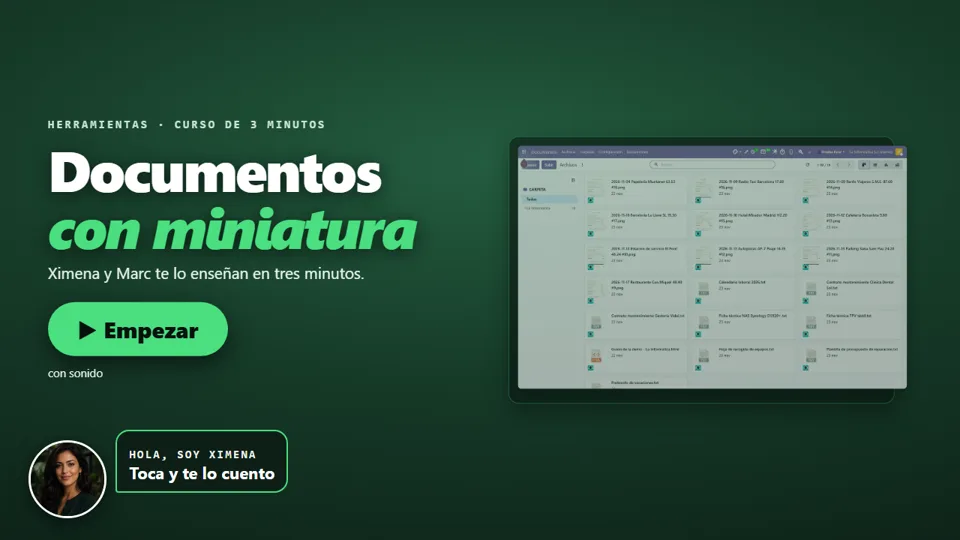
Video course with Ximena and Marc
They show you with voice-over and subtitles (in Spanish), in about 3 minutes.
▶ Watch the video course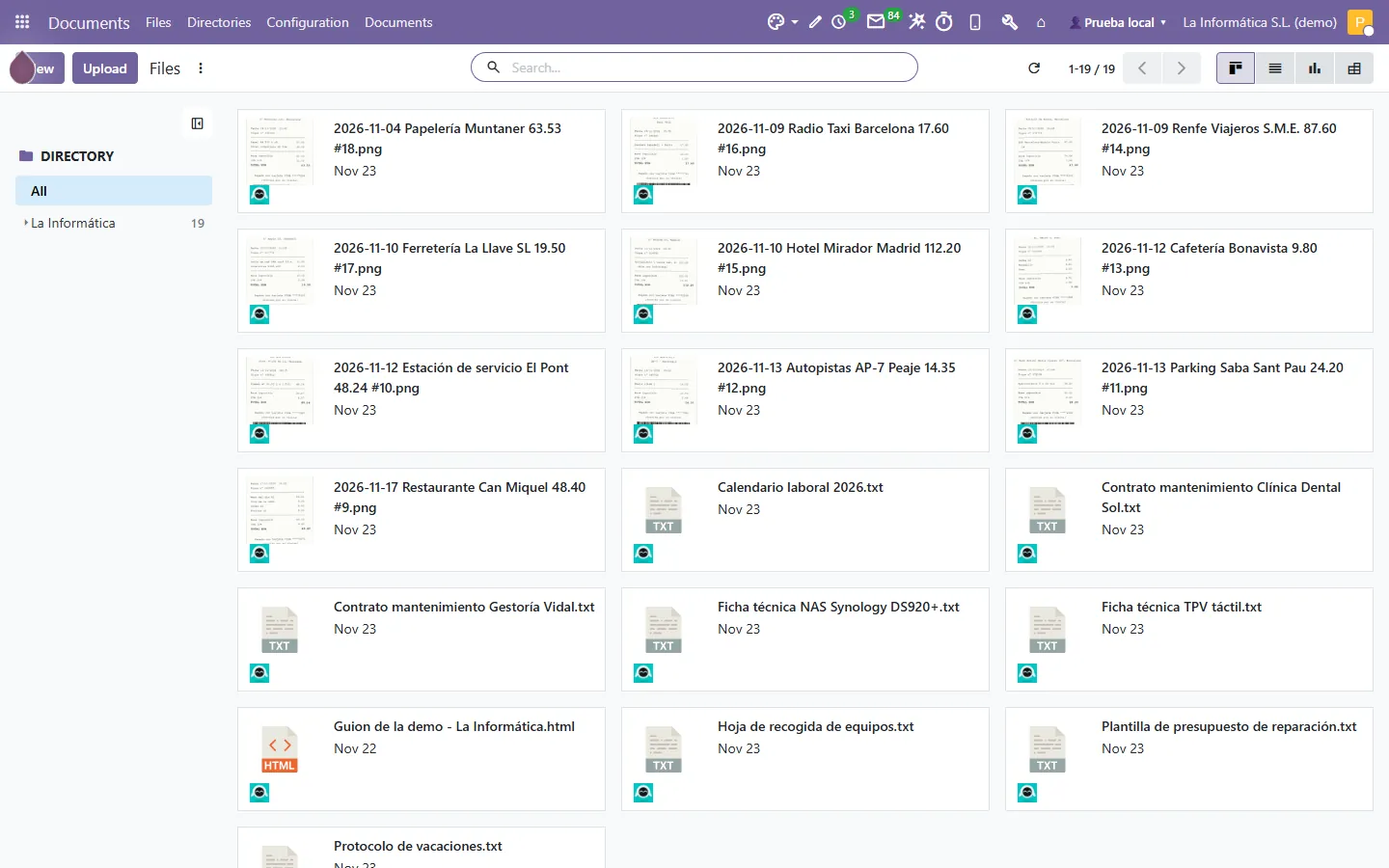
1. Files and folders
Documents menu › Files and Folders. The first time you view a PDF, its thumbnail is drawn.
2. Upload files
«Upload».
3. The folders
Documents › Folders › New.
4. The PDF thumbnail
Drawn the first time.
5. Open a document
Click the thumbnail.
6. A customer's documents
Documents tab.
7. Search documents
Search box.
8. Folder permissions
Access groups.
9. The invalid operation warning
Reload (Ctrl + F5).
Frequently asked questions
Where do I store documents?
Documents › Files: «Upload» or drag the file into a folder.
How do I upload a file?
«Upload».
How do I create a folder?
Documents › Folders › New.
How do I see the PDF's first page?
Drawn the first time.
How do I view a PDF?
Click the thumbnail.
How do I store documents on the record?
Documents tab.
How do I find a document?
Search box.
How do I restrict a folder?
Access groups.
How do I remove the warning?
Reload (Ctrl + F5).
Why can't I see Documentos (archivos)?
If you can't see it, your internal user lacks the «documentos» permission: the administrator grants it in Home › Internal users.
The document manager with the thumbnail of the first page of each PDF.
There are no comments for now.